AI Chat
Ask about customers, items, orders, stock and finance. Answers stream in and show which SAP tools ran; writes show a preview card that needs Confirm.
B1Nexus AI Console brings AI chat, reports, SOP training, compliance checks and document capture together for SAP Business One. Ask in plain language, turn an answer into a report, and post to SAP only when a person confirms.
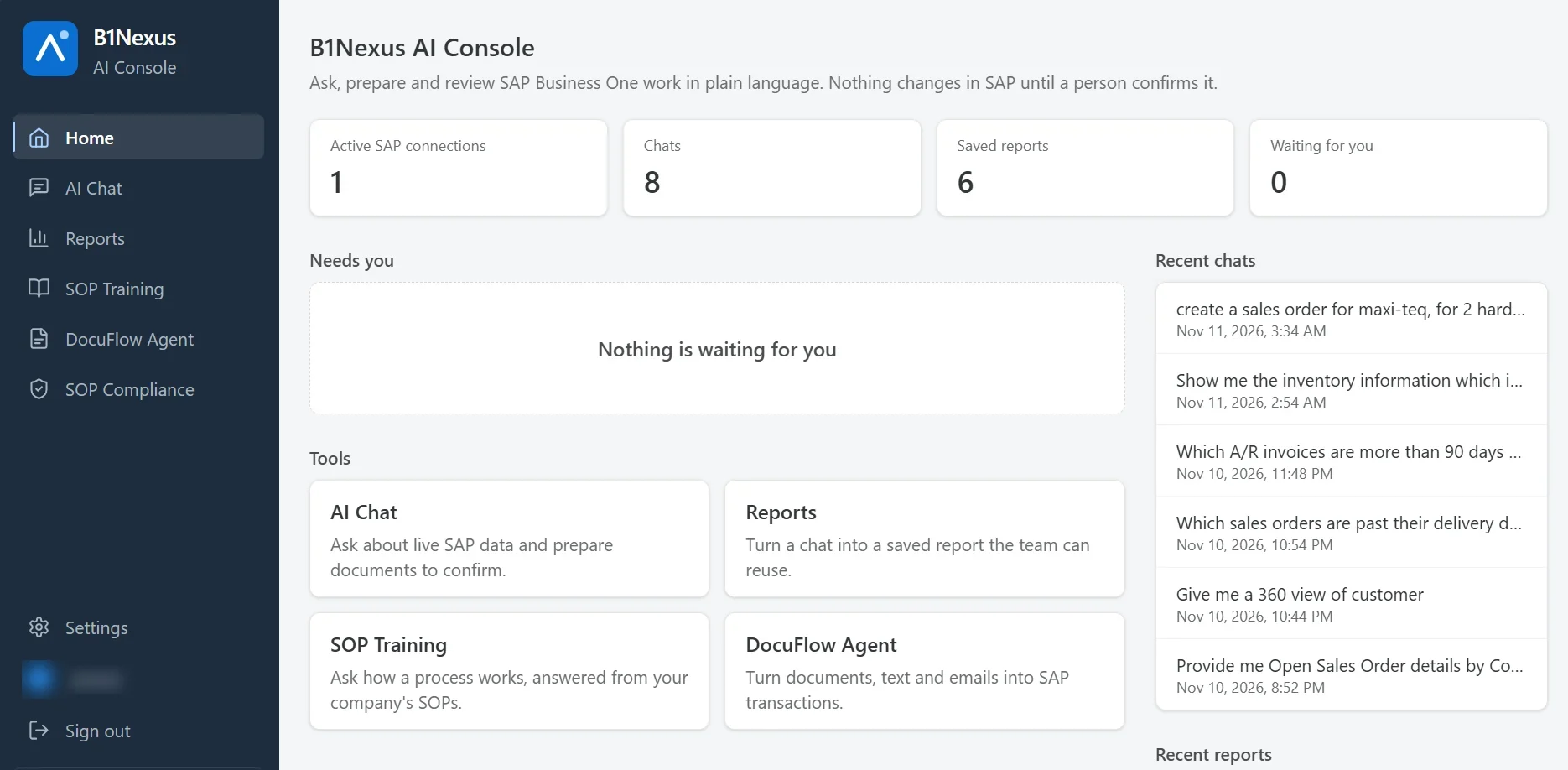
The console connects to your SAP Business One companies through the Service Layer, with your own Anthropic API key. Each person works with their own SAP login.
Add your SAP companies through the Service Layer, test and activate.
Service LayerPaste your Anthropic API key and invite users; each links their own SAP login.
your keyChat in plain language, upload a document, or start a report.
ClaudeAnything that would change SAP shows a preview first. Nothing posts until a person confirms.
you decideSave answers as re-runnable reports, or check them against your SOP rules.
reportsAsk about customers, items, orders, stock and finance. Answers stream in and show which SAP tools ran; writes show a preview card that needs Confirm.
Build a report from one sentence or a chat answer, re-run it with new dates, see charts and export to Excel, CSV or print.
Upload your SOPs, approve and version them. Chat answers cite the SOP, with walkthroughs, quizzes and team progress.
Upload, paste or drop an e-mail: the AI reads it, matches it in SAP with checks, and a person reviews before it is posted as a draft or a document.
The AI suggests rules from your SOPs and runs read-only checks against live SAP, such as approvals by order value or required fields.
Codes and documents open in side panels with their related documents, across several SAP companies.
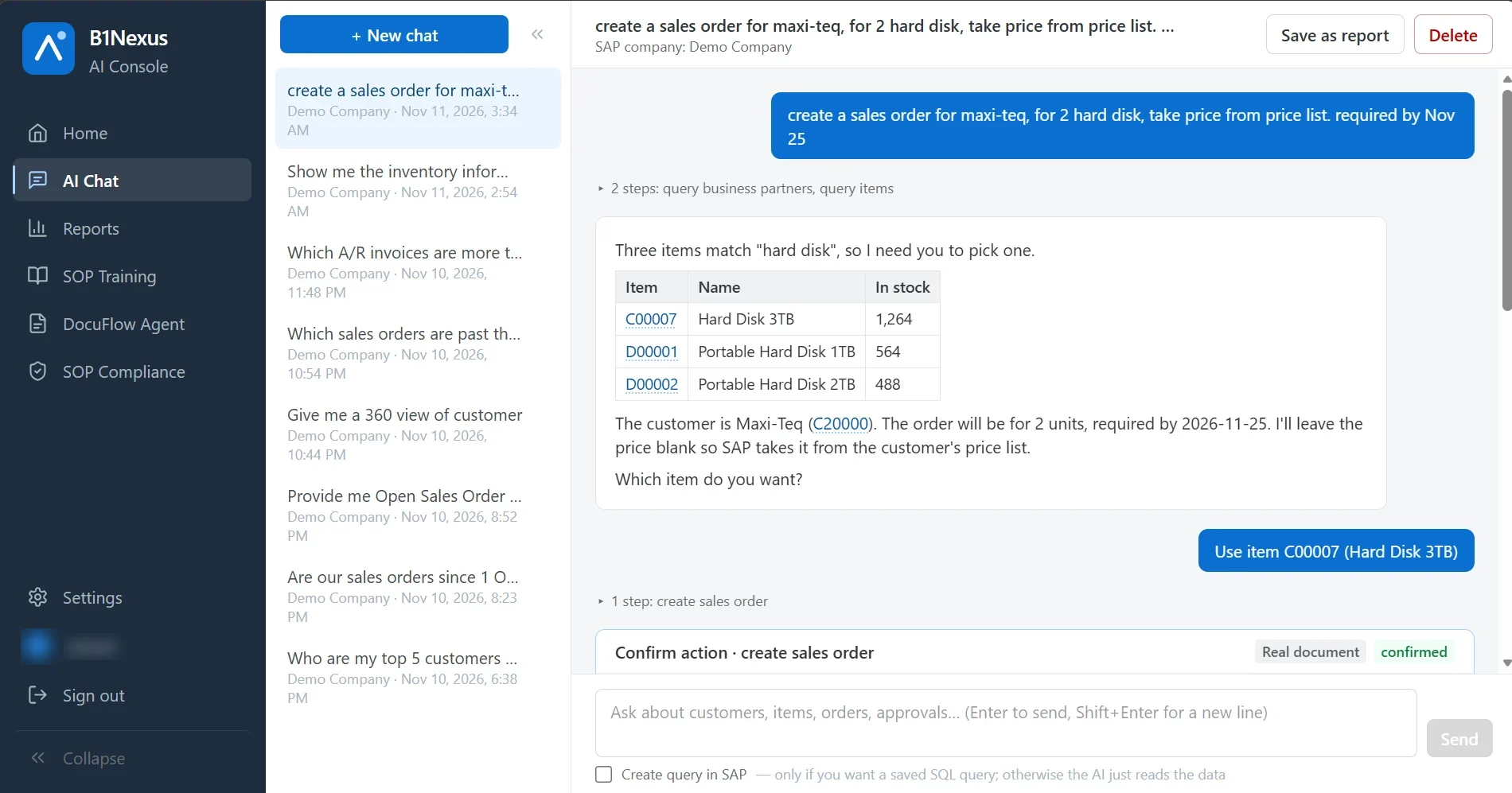
Ask for a sales order in plain words. The AI looks up the customer and items in SAP, asks when something is ambiguous, and prepares the document. It is created in SAP only after you press Confirm, as a draft or a real document, as your admin decides.
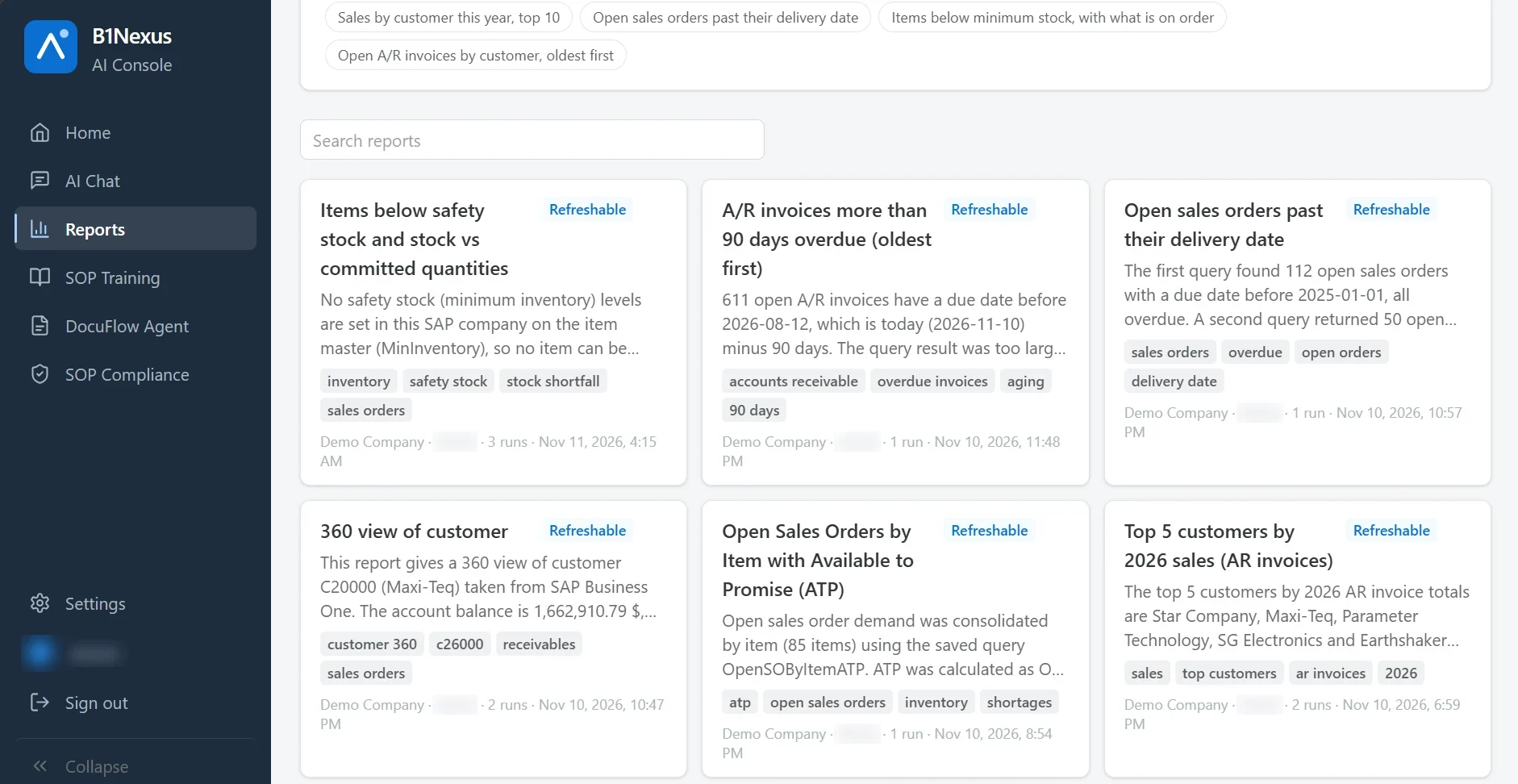
Any chat answer can become a saved report. Reports re-run against live SAP with new dates, keep their run history, and export to Excel or CSV.
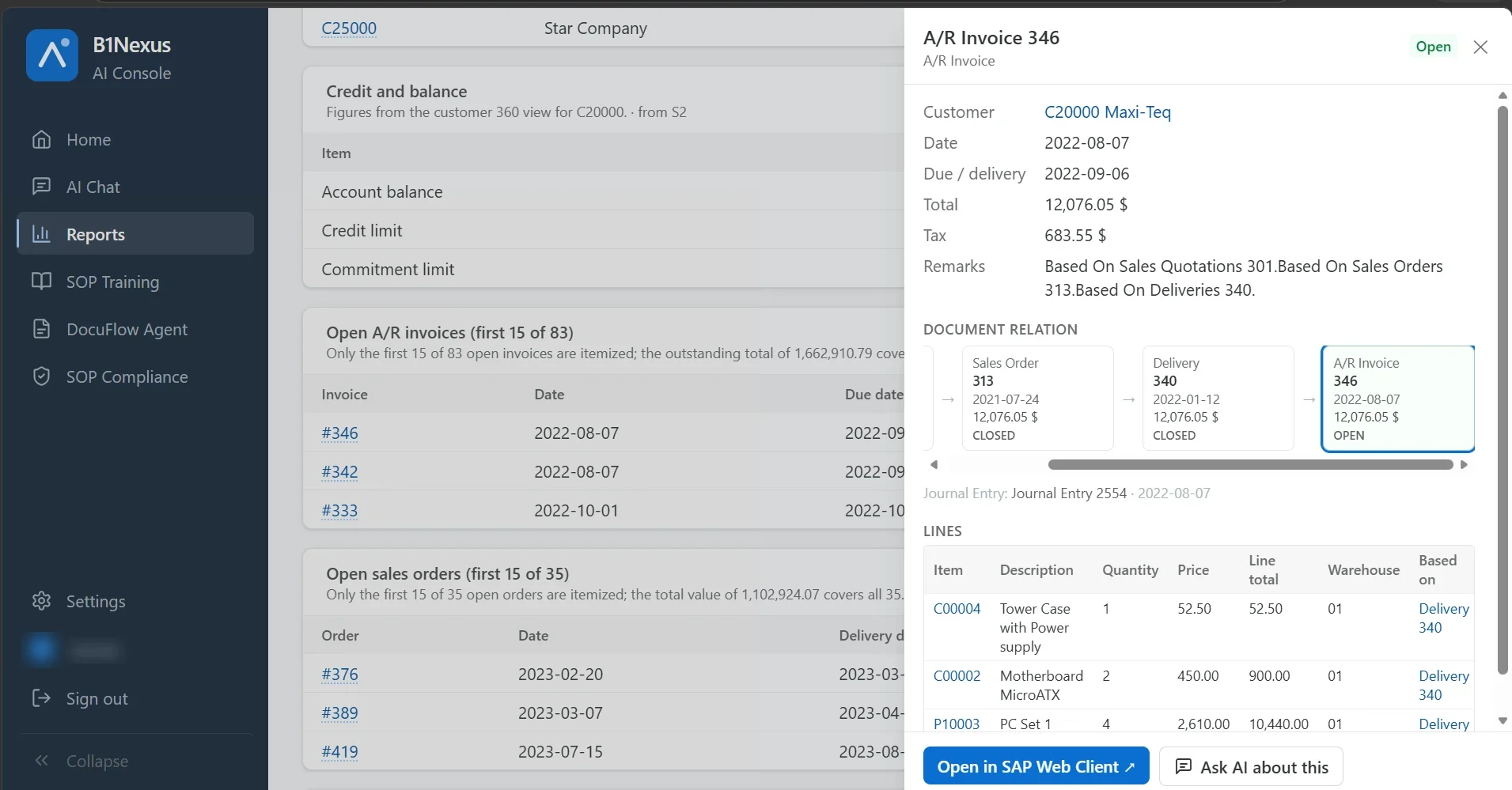
Customer, item and document numbers in chats and reports open a read-only side panel: header, lines and the document relation from order to delivery to invoice, with a link to open it in the SAP Web Client.
Upload files, drop in an e-mail or paste text. The AI reads the document, matches it live in SAP Business One, checks it, and a person reviews it side by side before anything is posted.
Upload up to 20 files at once (PDF, photo, Word, .eml with attachments) or paste text.
upload · paste · e-mailClaude classifies the document and extracts every field, each with a confidence score and the exact source text.
confidenceBusiness partners by tax number, e-mail or name; items by code or the partner's catalog number; open goods receipts for a 3-way match.
live SAPThe document on the left, editable fields on the right, with SAP pickers and every check result.
person decidesPosted with the reviewer's own SAP login, as a draft or a real document. If SAP rejects it, it returns to review with SAP's message.
draft or documentAdmins decide which types are allowed, and whether each is posted as a draft or a real document. Production orders are created as Planned or Released.
No. Anything that would create or change a document shows a preview, and nothing is posted until a person presses Confirm or Post. Admins choose which document types are allowed at all.
Anthropic's Claude, with your organisation's own API key. You can choose the model per task in the settings.
No. By default each person works with their own SAP login, so SAP's own permissions apply to every question and every posting.
On your own server, next to SAP Business One. Your console data stays there; only the prompts go to Anthropic to be answered.
Book a walkthrough of chat, reports, SOP training and document capture on SAP Business One.
The B1Nexus MCP Server lets Claude on web, desktop and mobile work with your Business One data, with each user's own SAP permissions.