Rugged Android handhelds
Designed for Honeywell CT30, CT40, CT60 and EDA and Zebra TC and MC series devices. The built-in scan engine types straight into the app (keyboard wedge), so a trigger press is all it takes.
A scan-first warehouse system for SAP Business One. Your team receives, puts away, picks, packs and counts on rugged scanners, phones or a browser, and every step is posted to SAP through the Service Layer, exactly once.
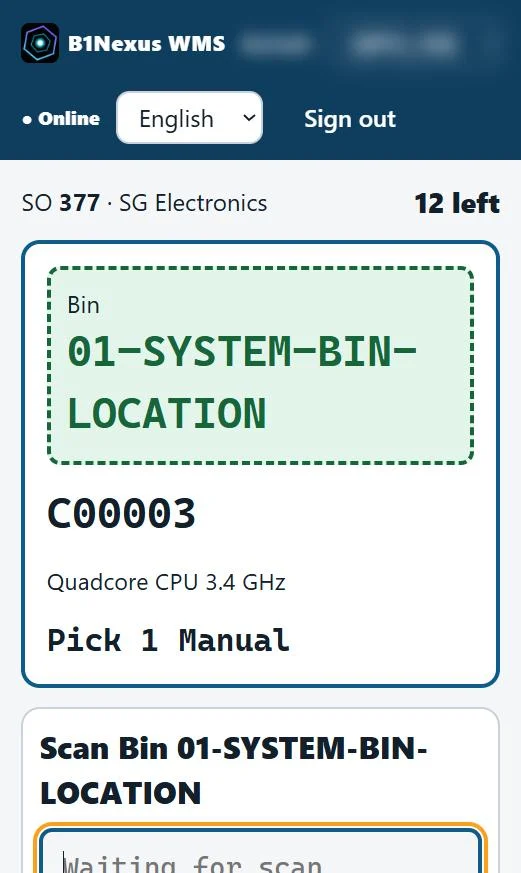
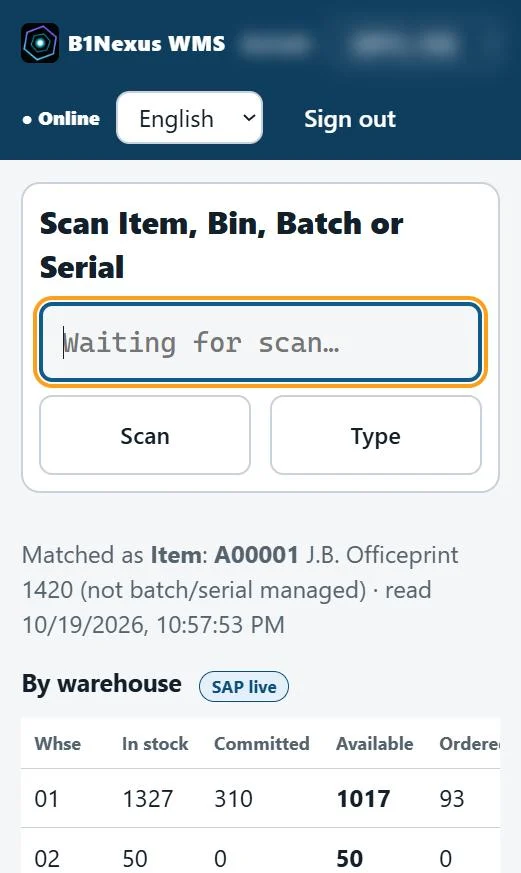
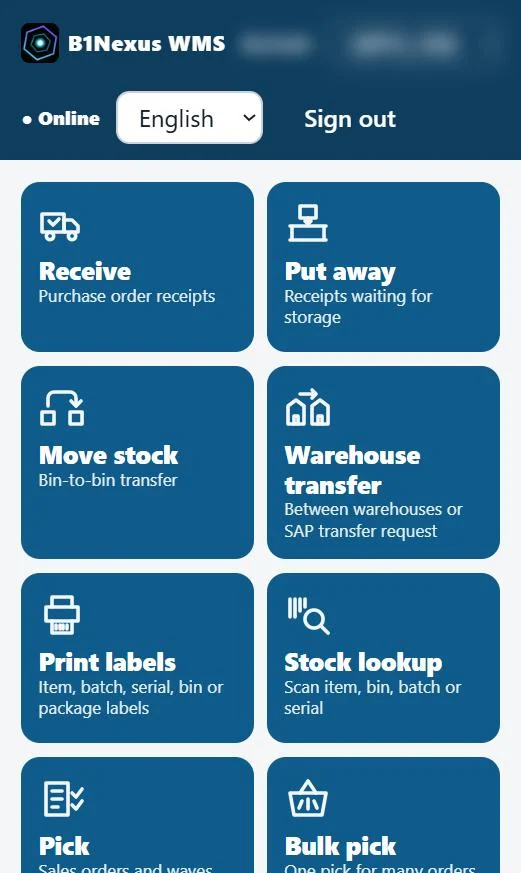
Operators follow one step per screen. B1Nexus WMS checks each scan and posts the matching SAP Business One document as soon as the step is done.
Scan the PO, item, batch or serial and bin.
SAP · Goods Receipt PORules suggest the bin. Scan it to confirm.
SAP · Inventory TransferWaves with FEFO/FIFO. Wrong scans are refused.
SAP · from Sales OrdersInto SAP package types, with weight and size.
SAP · Package typesOne delivery per order, or one for the customer.
SAP · DeliveryBlind counts, recount and approval.
SAP · Inventory CountingOne app in the browser, installable like a native app. No device software to roll out, and the same screens on every device.
Designed for Honeywell CT30, CT40, CT60 and EDA and Zebra TC and MC series devices. The built-in scan engine types straight into the app (keyboard wedge), so a trigger press is all it takes.
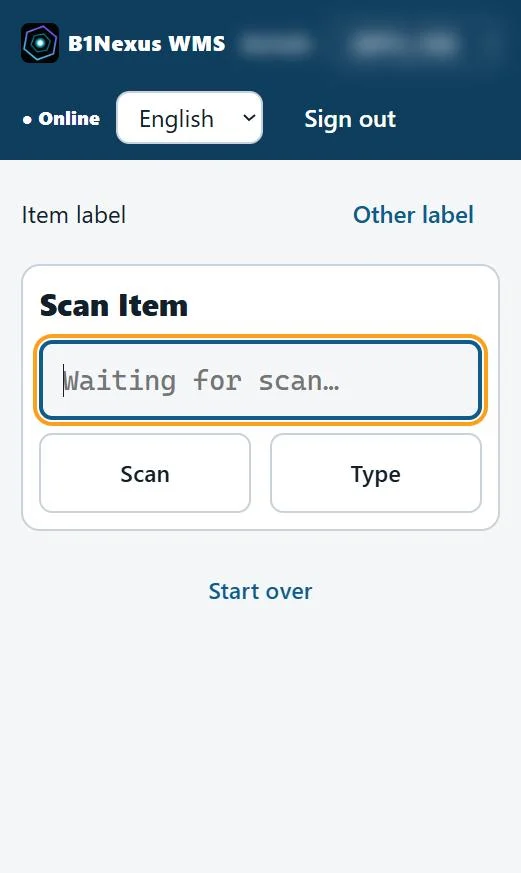
Tap Scan and the camera reads QR codes, Data Matrix and barcodes. Add it to the home screen and it opens like an app.
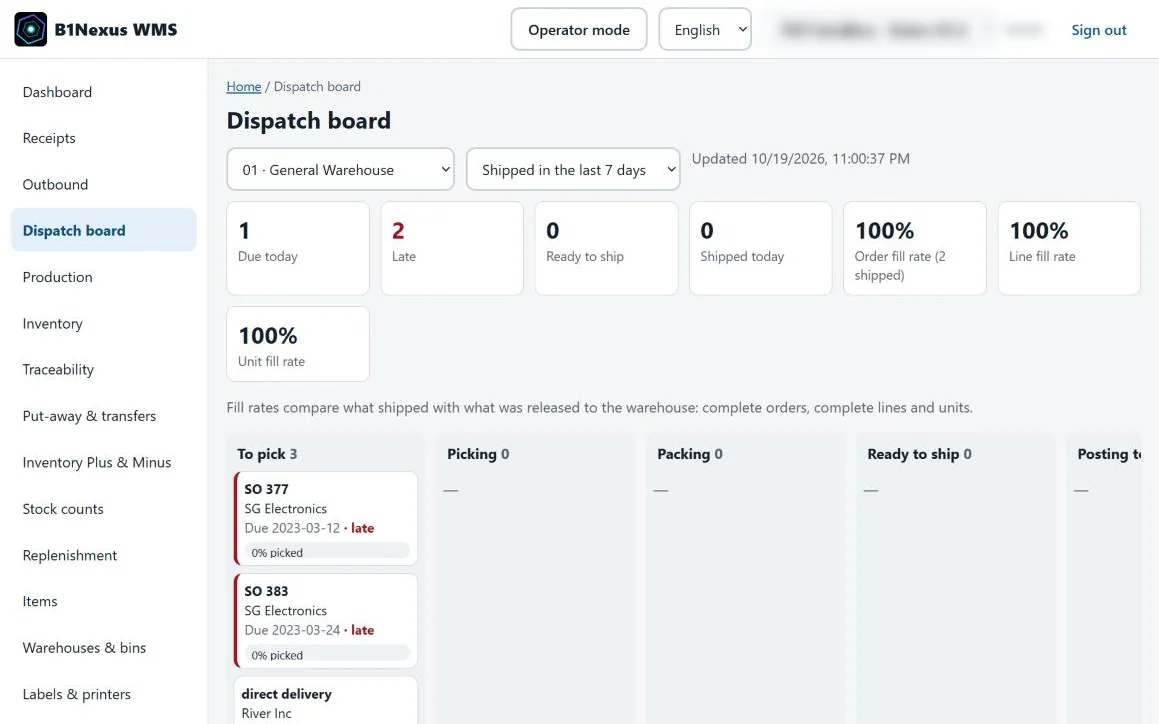
USB and Bluetooth scanners work at packing benches and the goods-in desk. Supervisors run the office screens from the same app.
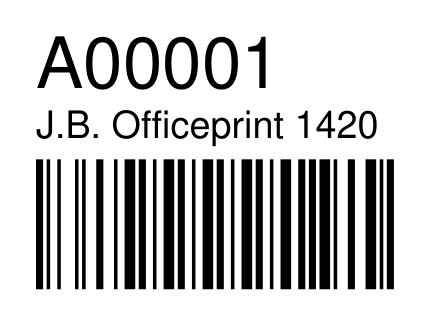
Print item, batch, serial, bin and package labels from the scanner or the office, with Code 128, QR codes or Data Matrix. Labels go straight to Zebra network printers as ZPL, or to any printer as a PDF.
Example labels. The item label is printed by B1Nexus WMS; layouts and barcode types are set per company.
Every posting gets its own key and a marker on the SAP document, before it is sent.
If SAP's answer is lost, the WMS finds the document by its marker instead of posting again.
Your company's Service Layer metadata and item costs are checked first, so SAP doesn't reject the posting.
Service Layer only: no DI API, no add-on and no direct database writes. SAP's own rules apply.
Against one or several POs, or without a PO. Batch, serial, expiry and bin captured at the dock, with tolerances and supervisor approval.
Fixed bins, same item, empty bins, zones and capacity. Quarantined bins are skipped, and operators can override with a reason.
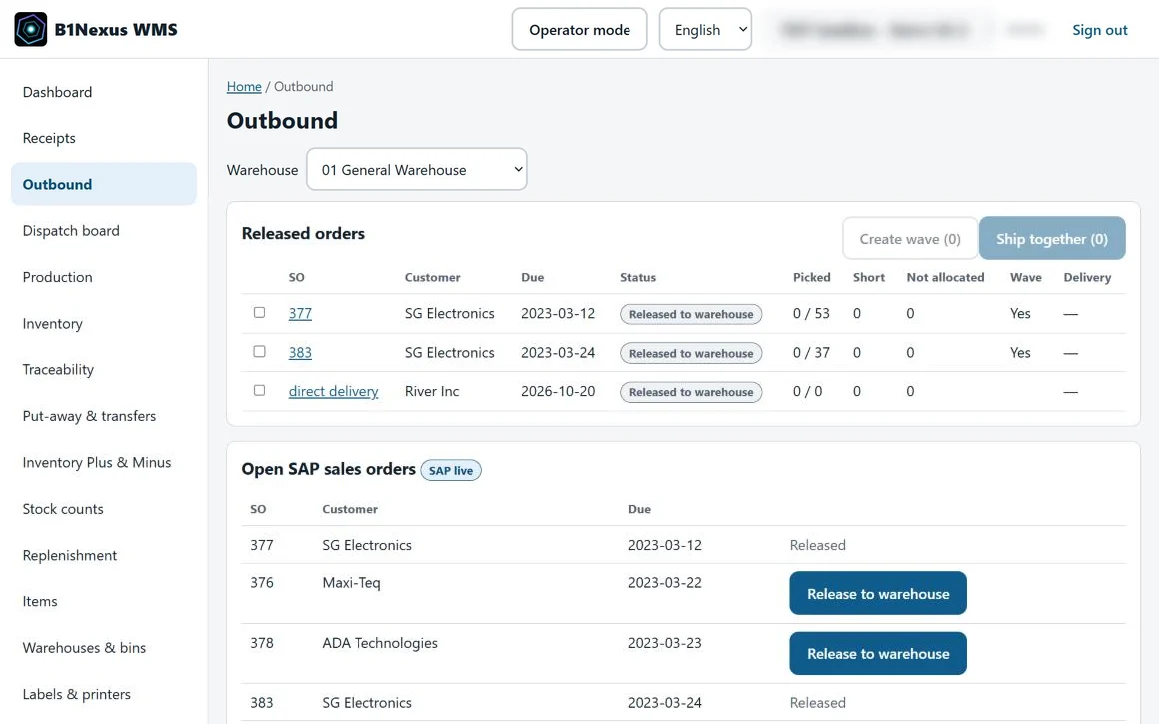
Waves, zone and bulk picking with FEFO/FIFO allocation. Expired or blocked stock is never allocated, and short picks need a reason.
SAP package types with weight and dimensions, joint deliveries for one customer, and a dispatch board with fill rates.
Blind counts, recount by a different user and approval, then SAP Inventory Counting and Posting for the variances.
Hold and release stock with reasons. Follow any batch or serial backwards and forwards.
Pick components, issue them to the production order and receive the finished goods.
Customer and supplier returns from SAP requests, and Inventory Plus and Minus with reason codes.
No add-on and no DI API. B1Nexus WMS connects through the SAP Business One Service Layer only, so SAP's own validation and authorisations apply to every posting. It checks your company's Service Layer metadata before it posts.
It runs in the browser, so there is no app to install. It is designed for rugged Android handhelds such as the Honeywell CT30, CT40, CT60 and EDA series and the Zebra TC and MC series, using the device's built-in scan engine in keyboard-wedge mode. iPhones, iPads and Android phones scan with the camera, and desktops work with USB or Bluetooth scanners.
Each posting is written to an operation journal with its own key and a marker on the SAP document. If an answer from SAP is lost, B1Nexus WMS looks the document up in SAP before it tries again, so it is never posted twice. Nothing is ever posted to SAP without a connection.
On your own server: Windows Server or Linux with PostgreSQL, next to your SAP Business One. Phones and remote sites can reach it securely over HTTPS.
Book a walkthrough on a rugged handheld and a phone, or tell us about your SAP Business One company, your warehouses and your devices.
The B1Nexus Customer Portal gives your business customers their own prices, ordering, deliveries, invoices and statements on live SAP Business One data.